Product
From the full assembly to the smallest screw.
Upload your STEP files and drawings. See what everything should cost, down to the last part.
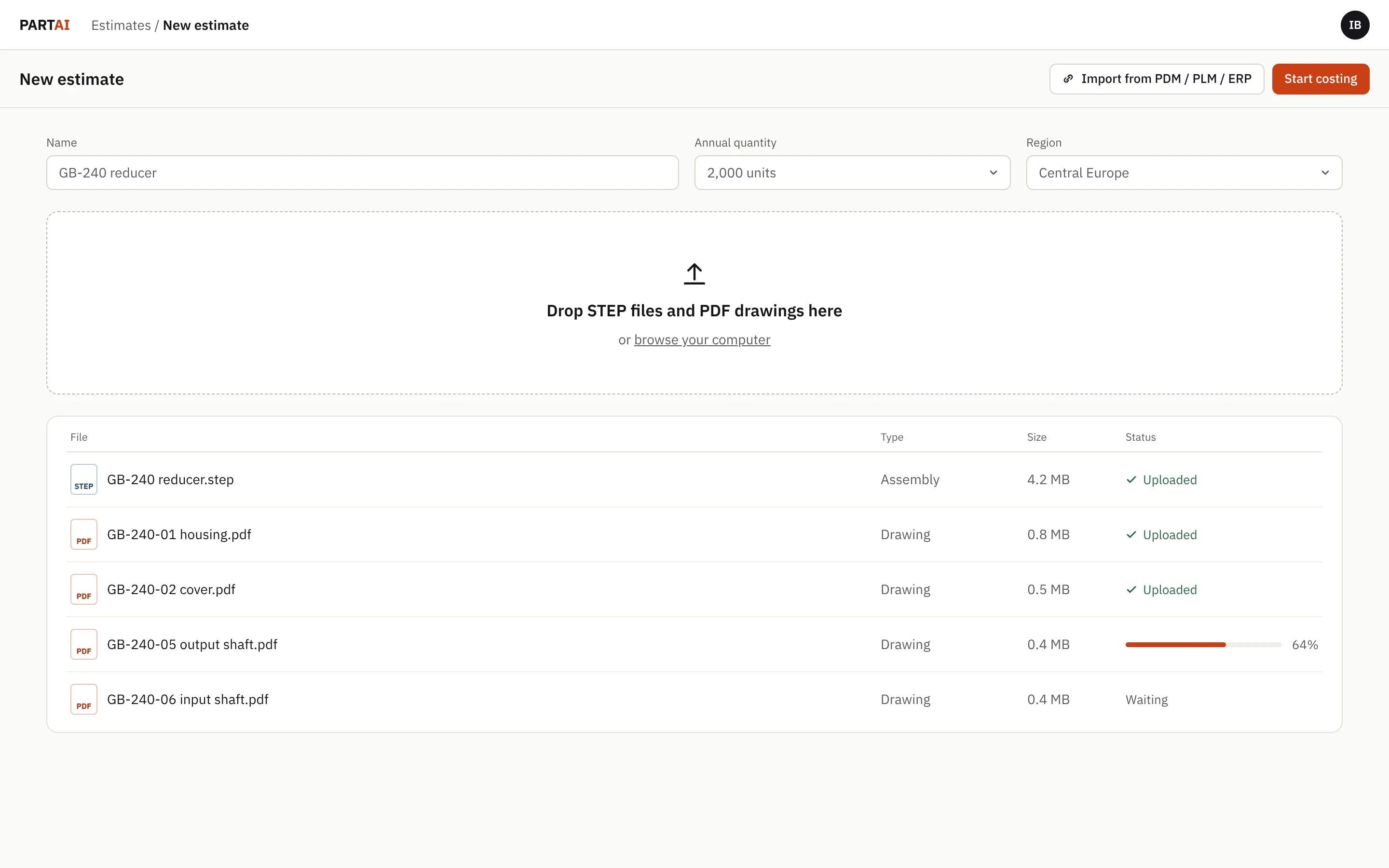
Upload your STEP files and PDF drawings. That's all we need.
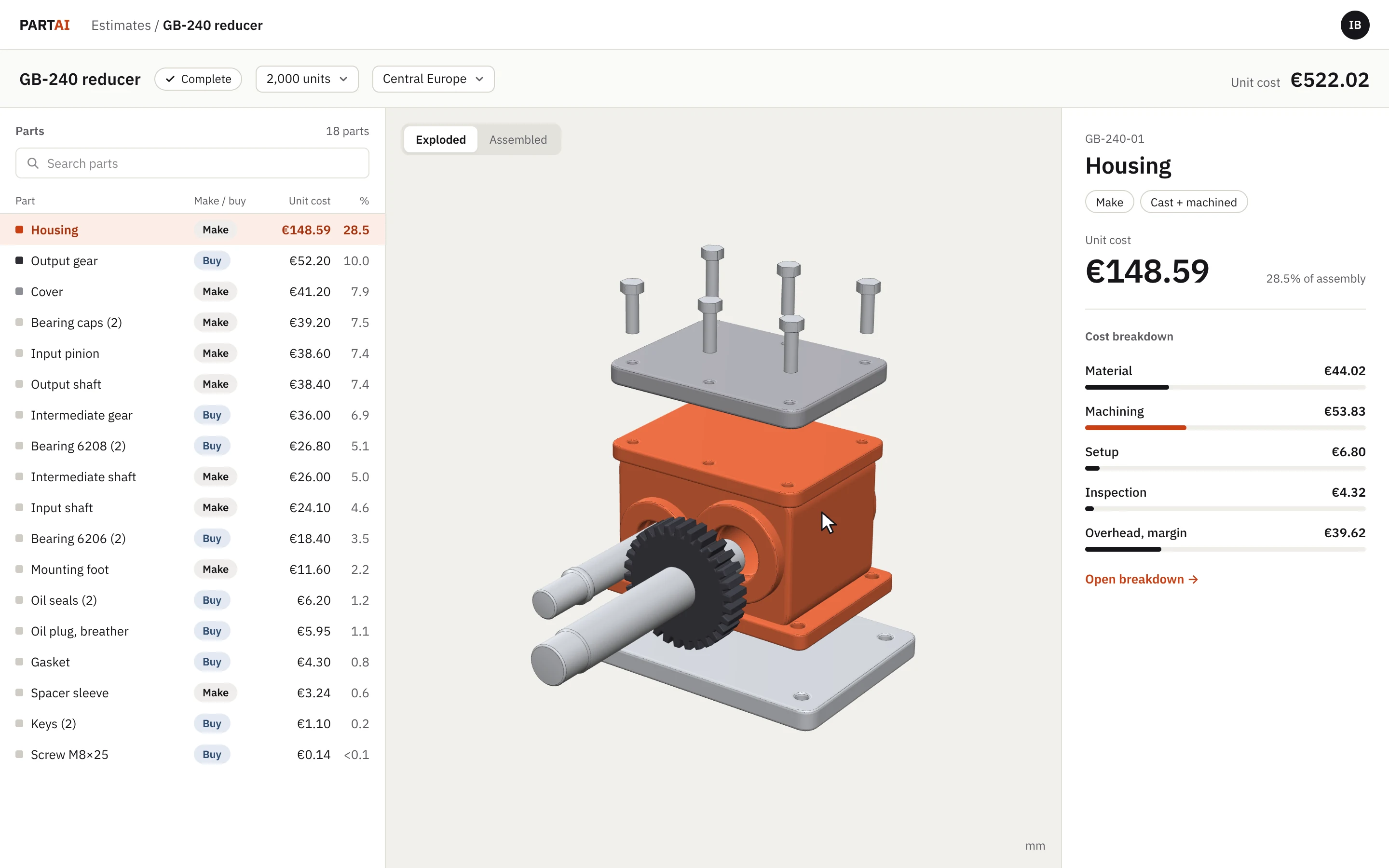
The high-level view: the unit cost, the parts that drive it, and which parts you make or buy.
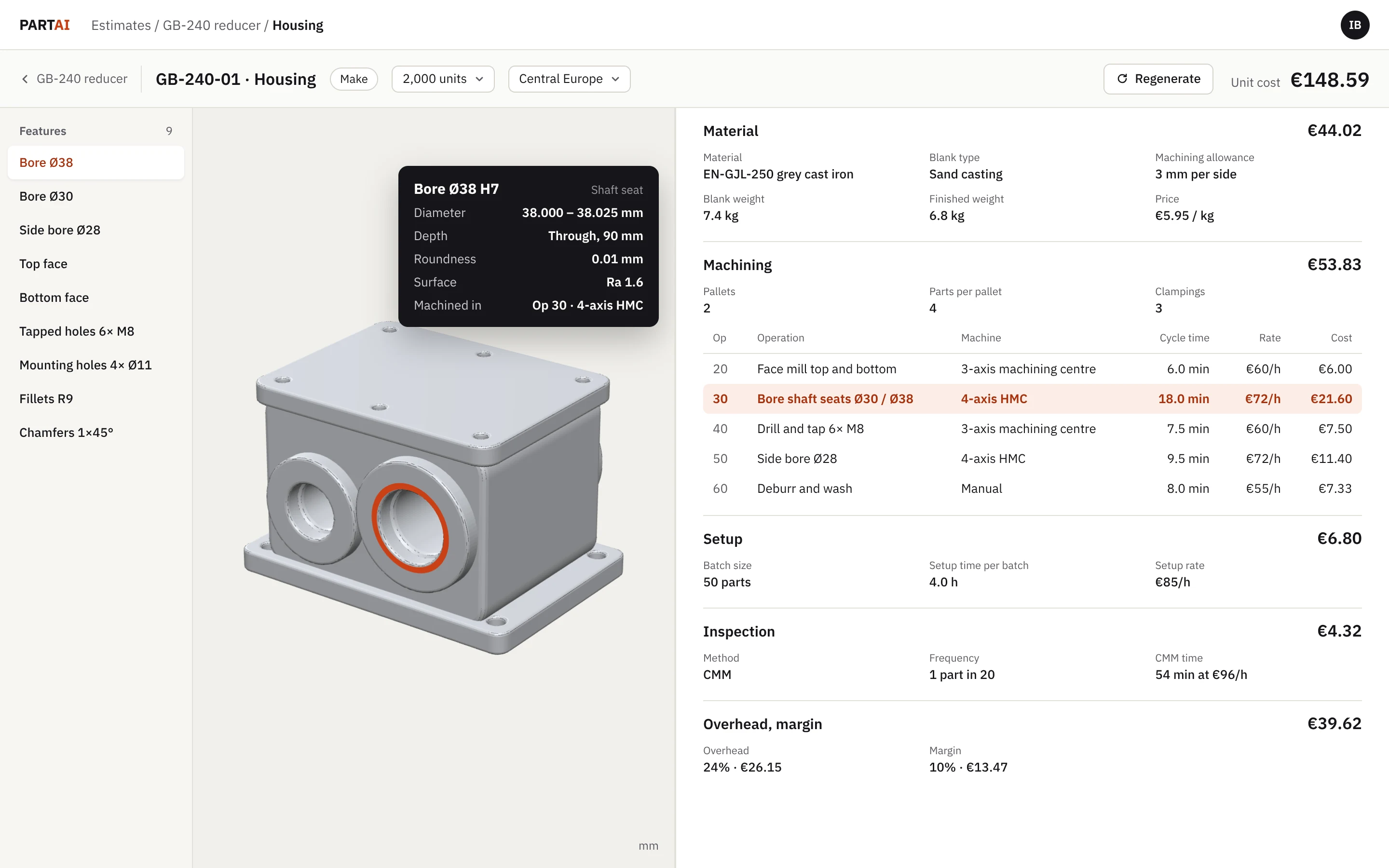
The deep dive: material, machining and every operation behind the price.
Workflow
Change it, test it, share it.
An estimate is a starting point. Adjust any number, try another process or region, and take the result to your supplier.
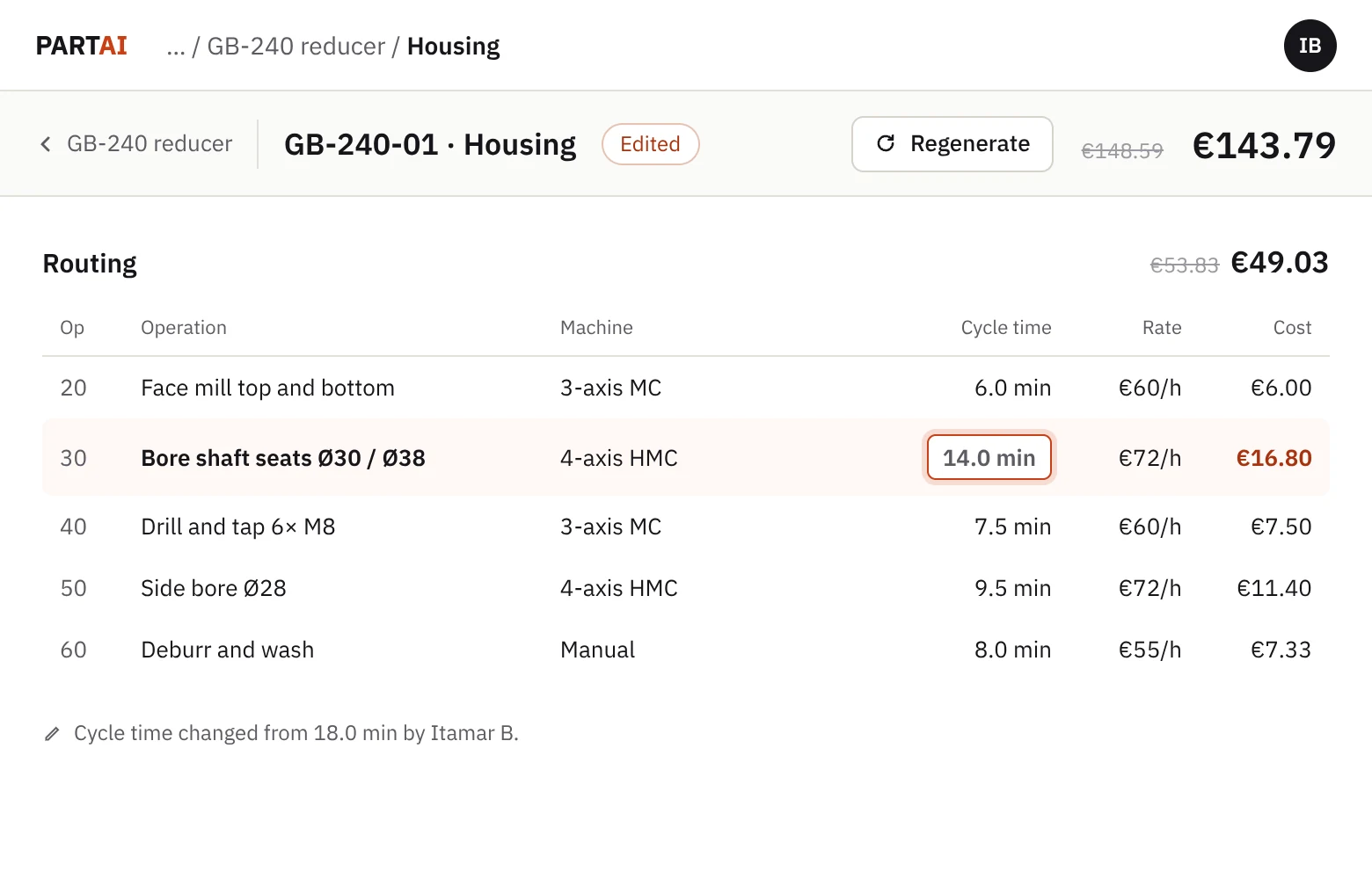
Edit any value
Change a cycle time, a rate or a material. The cost updates with it.
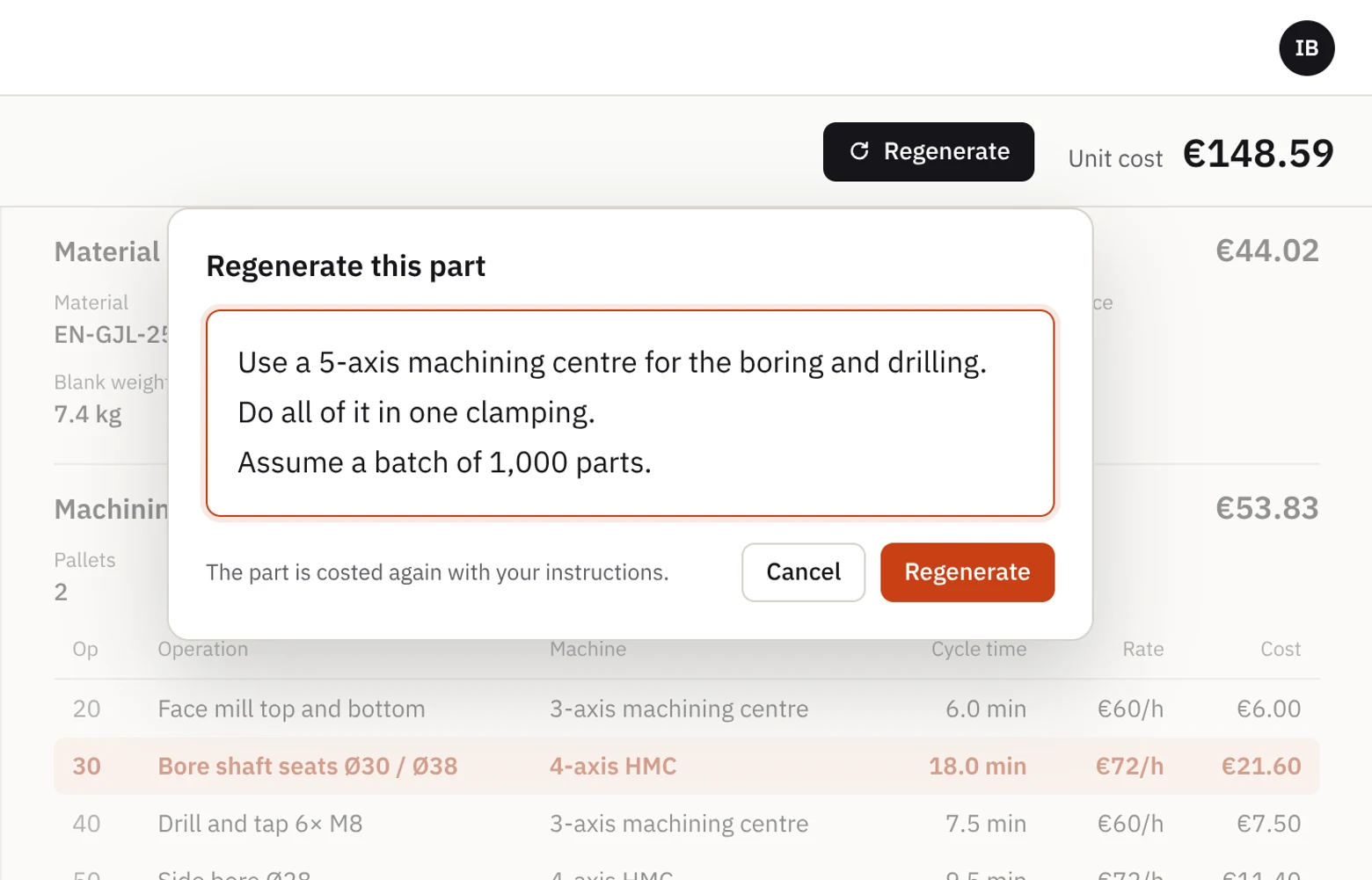
Regenerate with your own instructions
Say what to change in plain words. The part is costed again.
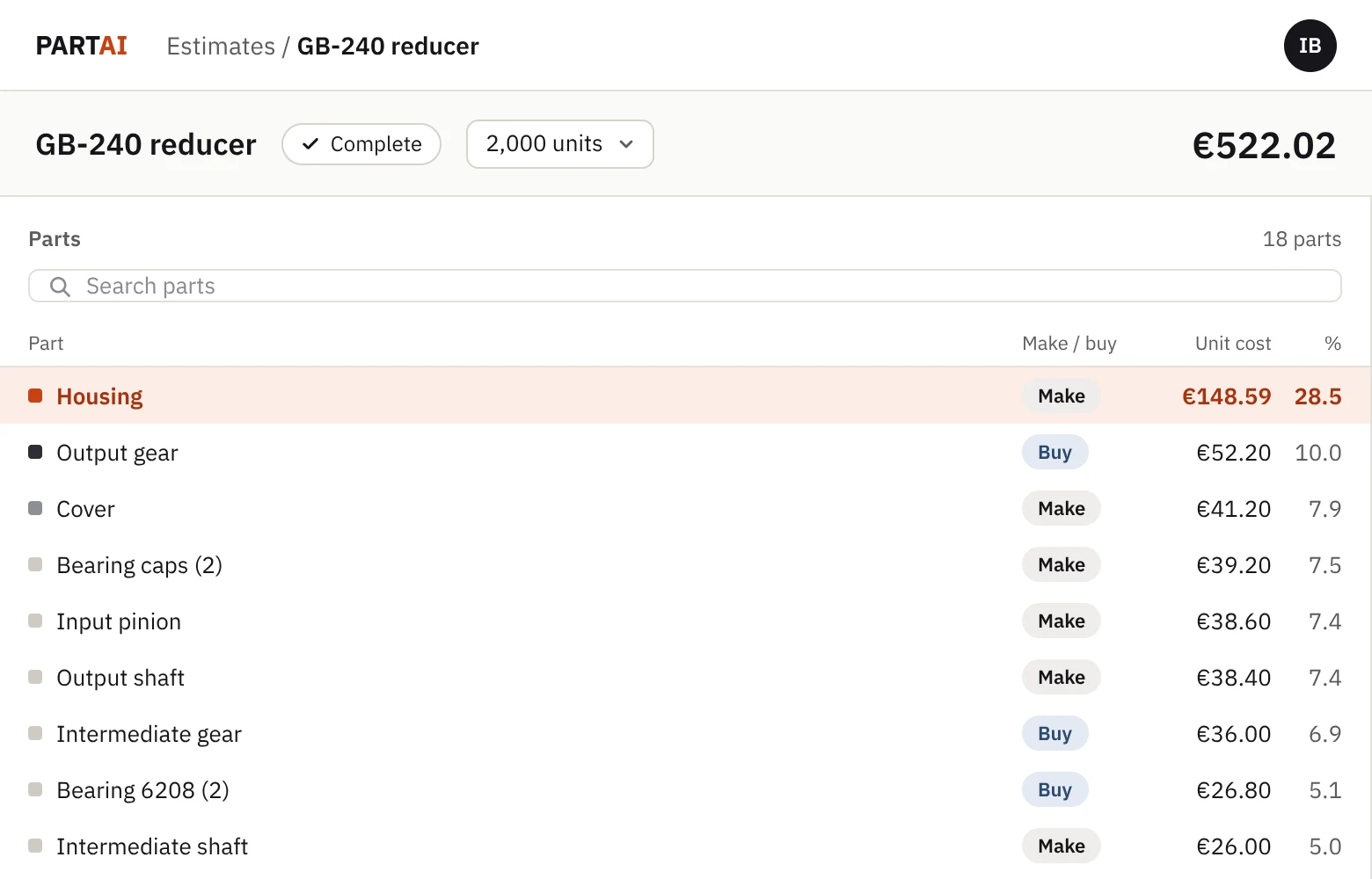
Make or buy
Every part is marked make or buy.
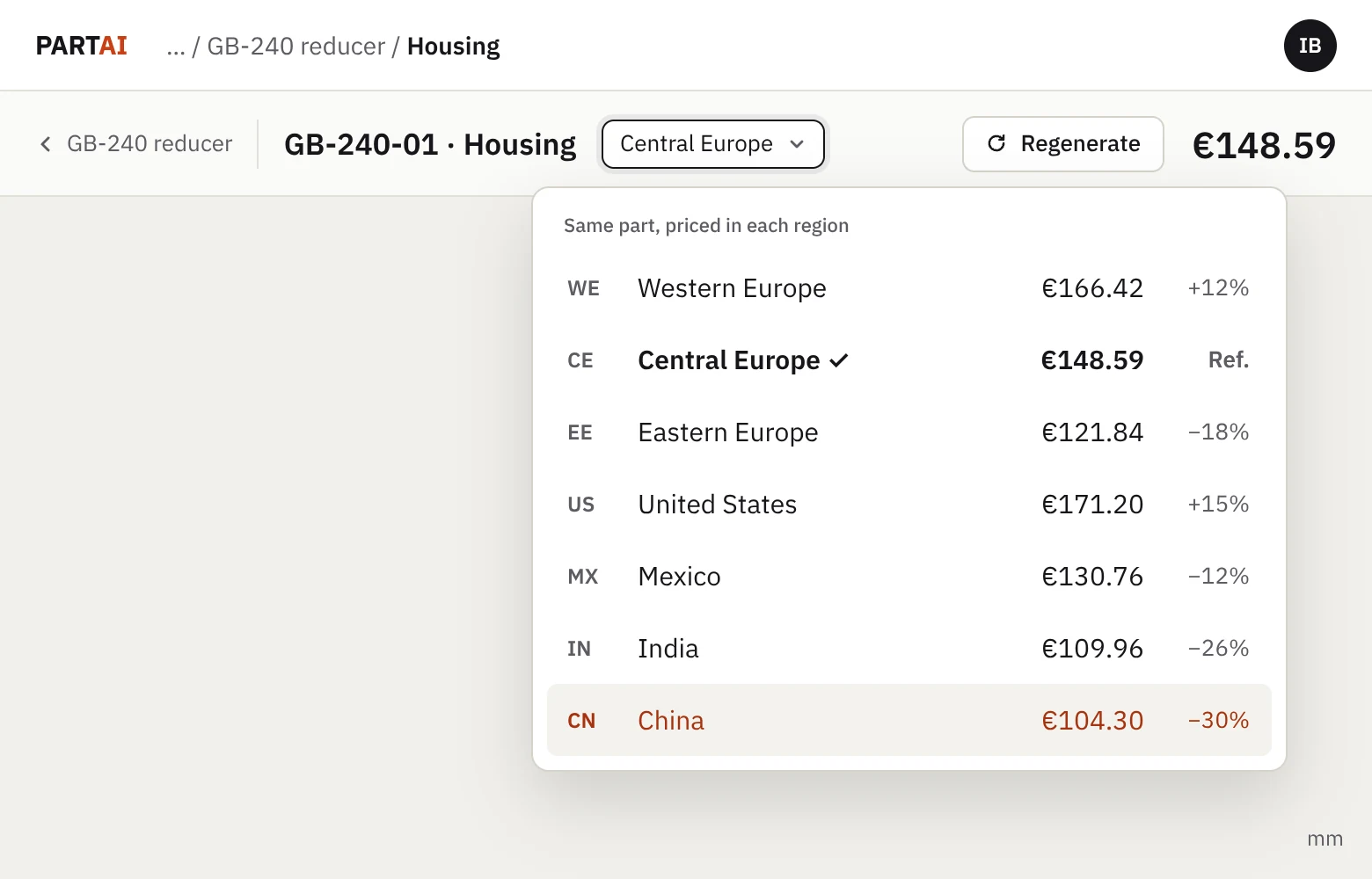
Regional rates for 7 regions
Switch the region and see the same part priced there.
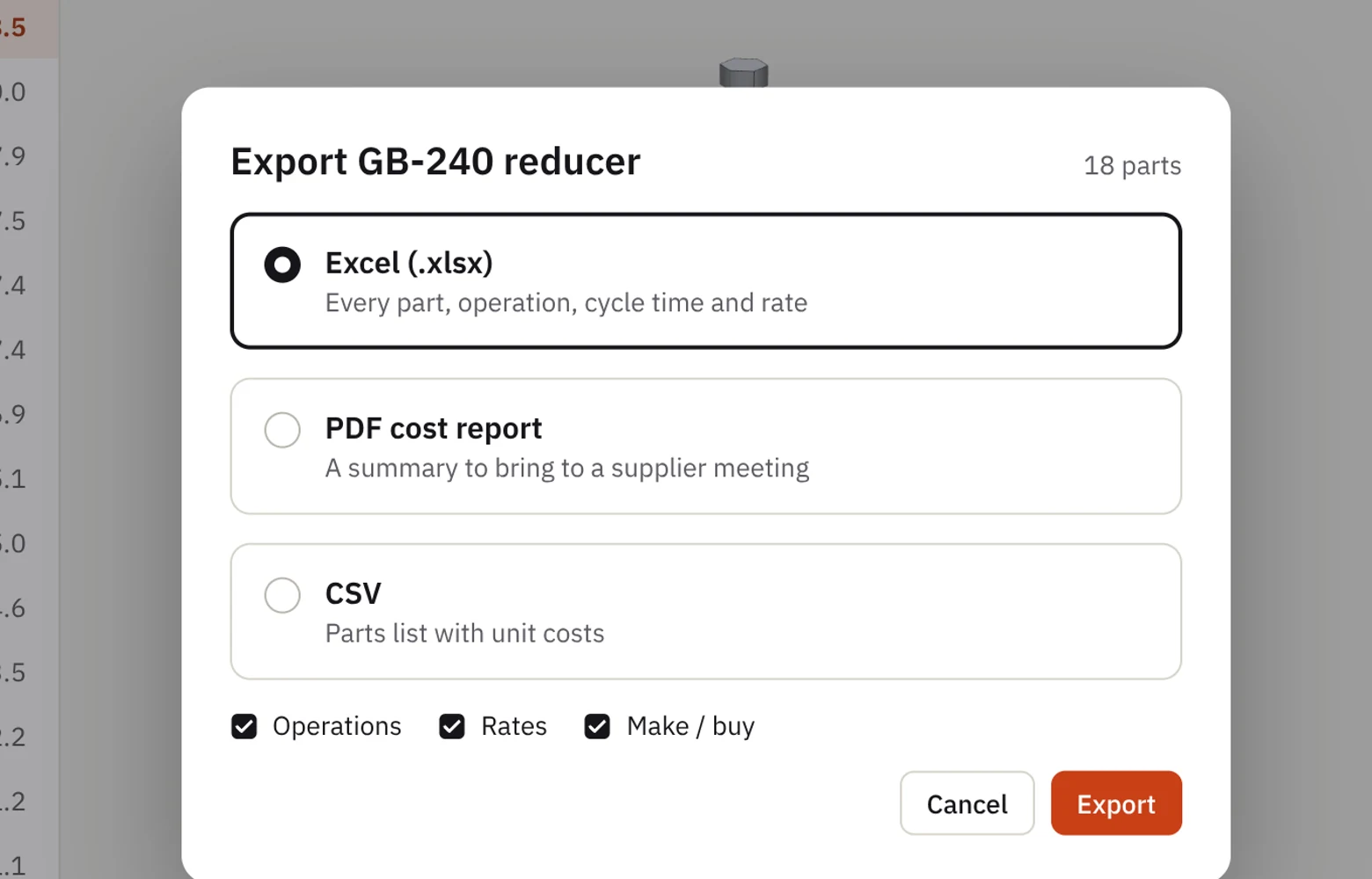
Export
Take the breakdown to Excel or to a supplier meeting.
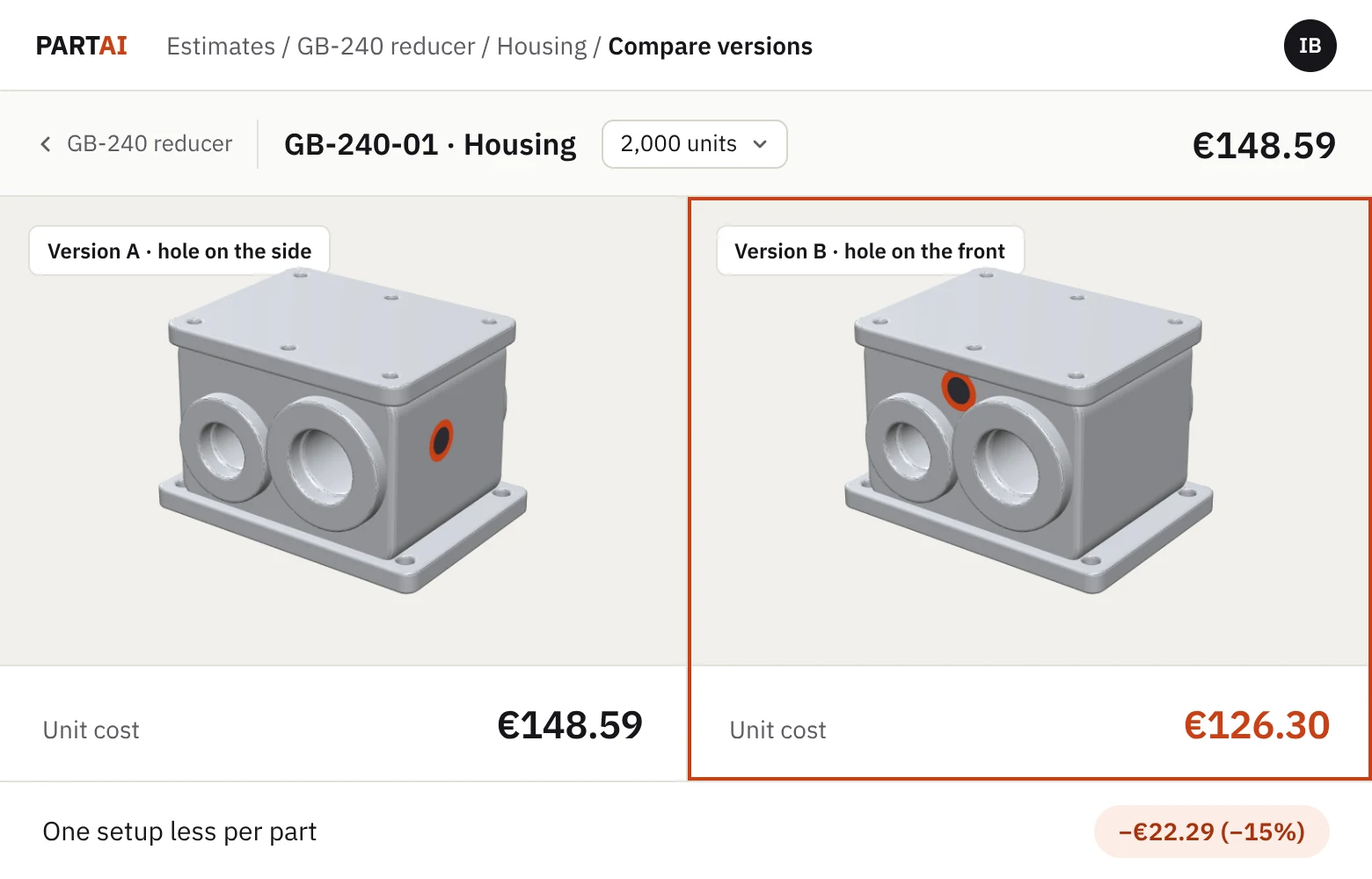
Compare design versions
Coming soonCost two versions of a part side by side.
Request a demo.
We’ll walk you through a full assembly breakdown.